ONVIF Porting Service for Ambarella / Qualcomm / Novatek
Integration with vendor SDKs for encoding, ISP and events, so ONVIF services map cleanly onto the SoC.
AmbarellaQualcommNovatek

Turn a new or existing product into an ONVIF conformant device. Lingodigit develops, ports and troubleshoots ONVIF device (ONVIF server) software until it passes the official ONVIF Device Test Tool.
From firmware integration to a passing conformance report, one team delivers your entire ONVIF project. We offer porting tailored to your existing system architecture and RTSP configuration, as well as an RTSP server supporting Profile G replay and Profile T · M metadata streaming.
ONVIF services for IP cameras, encoders and streaming servers: discovery, media, events, PTZ, imaging and recording.
Learn more → SoC PortingPorting ONVIF software to Ambarella, Qualcomm, Novatek, NVIDIA and other SoCs on embedded Linux.
Learn more → Test ToolFixing failing test cases and preparing Profile S, T, G and M conformance reports.
Learn more → Raspberry Pi · VM · S · T · M · GRaspberry Pi firmware and a VirtualBox camera emulator to evaluate and prototype quickly.
Learn more → RTSP · S · T · M · GRTSP server with Profile M metadata streaming and Profile G edge replay, in LIVE555 and GStreamer editions. Powers LingoPi and LingoVM.
Learn more → NVR / VMSC APIs, Client Test Tool conformance and a free Ubuntu ONVIF camera manager for NVR and VMS makers.
ONVIF client software →Our first ONVIF device software shipped in 2010. In 2012 Lingodigit's DM368-IMX036 IP camera received ONVIF approval, followed by the VATICS Mozart 395s-IMX122.
We track every new ONVIF profile release and support the latest ONVIF Device Test Tool.
We port ONVIF software to your existing system architecture and RTSP configuration, and advise on the changes and architecture needed to meet ONVIF Profile requirements. We also help test interoperability with the VMS you specify.
Integration with vendor SDKs for encoding, ISP and events, so ONVIF services map cleanly onto the SoC.
A portable ONVIF software architecture whose core is not tied to specific hardware. It runs across SoCs, and we customize the port and integrate the configuration to match your hardware and system setup.
Only devices that pass the ONVIF Device Test Tool can claim conformance to an ONVIF profile. That report is the finish line for every project we take on.
Reference: ONVIF Profile Feature Overview
PTZ is conditional and not required for any ONVIF profile.
| Profile | Focus | What we help with |
|---|---|---|
| Profile S | Video streaming & basic control | Media, events, discovery test cases |
| Profile T | Advanced streaming (H.264 / H.265) | Imaging, tampering & motion events, HTTP tunneling |
| Profile G | Edge recording & replay | Recording control, search, RTSP replay |
| Profile M | Metadata & analytics | Analytics configuration, metadata streaming, events |
Profile G requires recorded video to be replayed over RTSP. We implement not only the ONVIF recording control and search services, but also an RTSP server that supports Profile G compliant RTSP replay.
Profile T requires tampering and motion detection to be exposed as ONVIF events. We connect your SoC's detection output to the ONVIF event service.
No hardware detection engine on your SoC? LingoPi already includes simple software-based tampering and motion detection algorithms, so you can run the complete event path on a Raspberry Pi before porting it to your own platform:
Empower your smart cameras, edge AI devices and video gateways with our production-ready, enterprise-grade RTSP server. Designed from the ground up for modern video surveillance architectures, it bridges hardware devices and Video Management Systems (VMS / NVR) with elite support for real-time analytics metadata and intelligent edge replay.
The same RTSP server powers our LingoPi and LingoVM reference designs.
Fully certified / compatible with Profiles S, T, G and M, ensuring universal interoperability with third-party VMS, NVRs and cloud platforms.
Stream synchronized AI analytics, bounding boxes, object classification and scene events directly over RTSP alongside the video stream.
Handle local recording retrieval, timeline queries and synchronized video playback from edge storage media.
Two implementations, optimized for lightweight embedded setups or heavy-duty, hardware-accelerated pipelines.
Learn more →Two ways to play RTSP live video from IP cameras on a website with latency under 0.3 seconds, with no plugin required.
An RTSP-to-fMP4 gateway on the server side and a JavaScript player in the browser.
Demo: wall clock (left), HTML5 player (upper right), direct RTSP player using ffplay (lower right).
A WebRTC playback solution that streams RTSP from IP cameras onto a web page. Shown here playing in Chrome from a LingoPi device.
Evaluate Lingodigit's ONVIF software today, on a Raspberry Pi or in a virtual machine, and control your ONVIF cameras with the free Lingo Camera Tool.
LingoPi turns a Raspberry Pi 3 or above into an ONVIF device. It supports CSI camera modules (5MP / 8MP) and USB cameras, with an integrated RTSP server, H.264 / MJPEG video and G.711 / AAC audio.
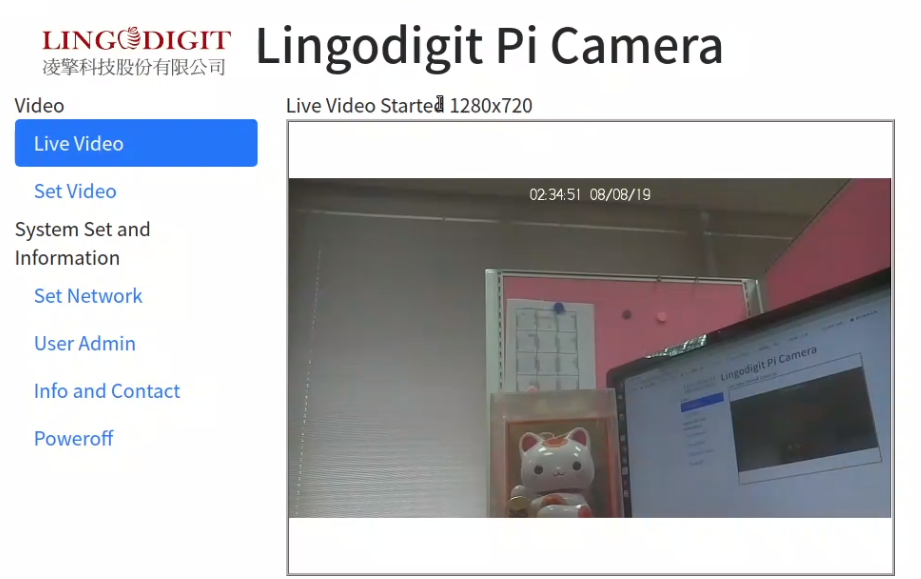
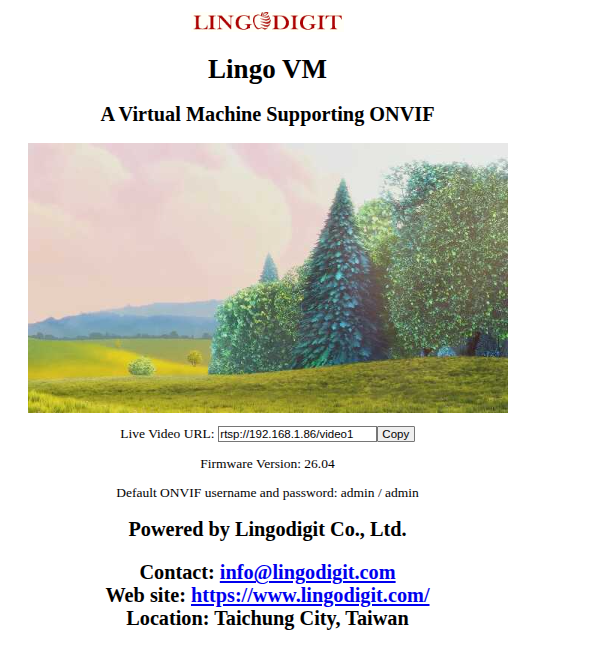
LingoVM is a Linux x86_64 VirtualBox image (256MB RAM, 128MB disk) that emulates an ONVIF Profile S IP camera. Control it from ODM or any ONVIF NVR / VMS, or run the ONVIF Device Test Tool against it.
Lingo Camera Tool is a free ONVIF client application for Ubuntu 26.04 LTS, built with Qt6 and GStreamer. It shows how to discover, control and view live video from ONVIF IP cameras, and works with LingoPi, LingoVM and third-party ONVIF cameras.
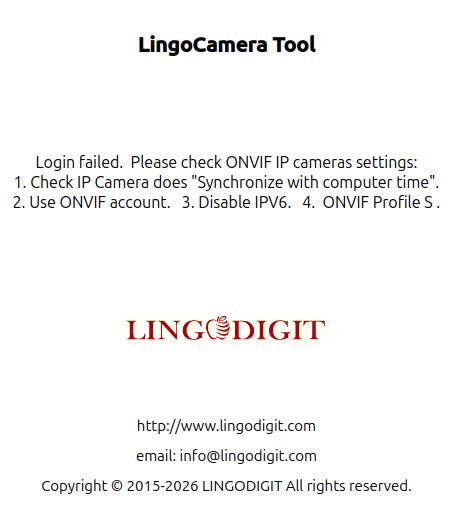
Limited Profile S editions (event service disabled) for verifying Lingodigit's ONVIF software. Full Profile S, other Pi boards and USB camera support are available for companies on request.
Lingodigit's ONVIF device software is tested with major video management systems.
IP cameras: download the free LingoPi or LingoVM Profile S demo image and verify it with the ONVIF Device Test Tool or ODM.
VMS / NVR: download the free Lingo Camera Tool as an ONVIF client reference, and test it with LingoPi, LingoVM or third-party ONVIF cameras.
An ONVIF device is a networked appliance or program that exposes ONVIF web services, such as an IP camera or RTSP server. An ONVIF client, such as an NVR, DVR or VMS, uses those services. See the ONVIF profiles overview.
Both are Windows applications released by ONVIF. The Device Test Tool verifies devices such as IP cameras (device test specifications); the Client Test Tool verifies clients such as NVRs (client test specifications). For client software, see our ONVIF client demo application.
Tell us your SoC, target ONVIF profiles and timeline. We'll reply with a porting and conformance plan.
info@lingodigit.com